EN
EN

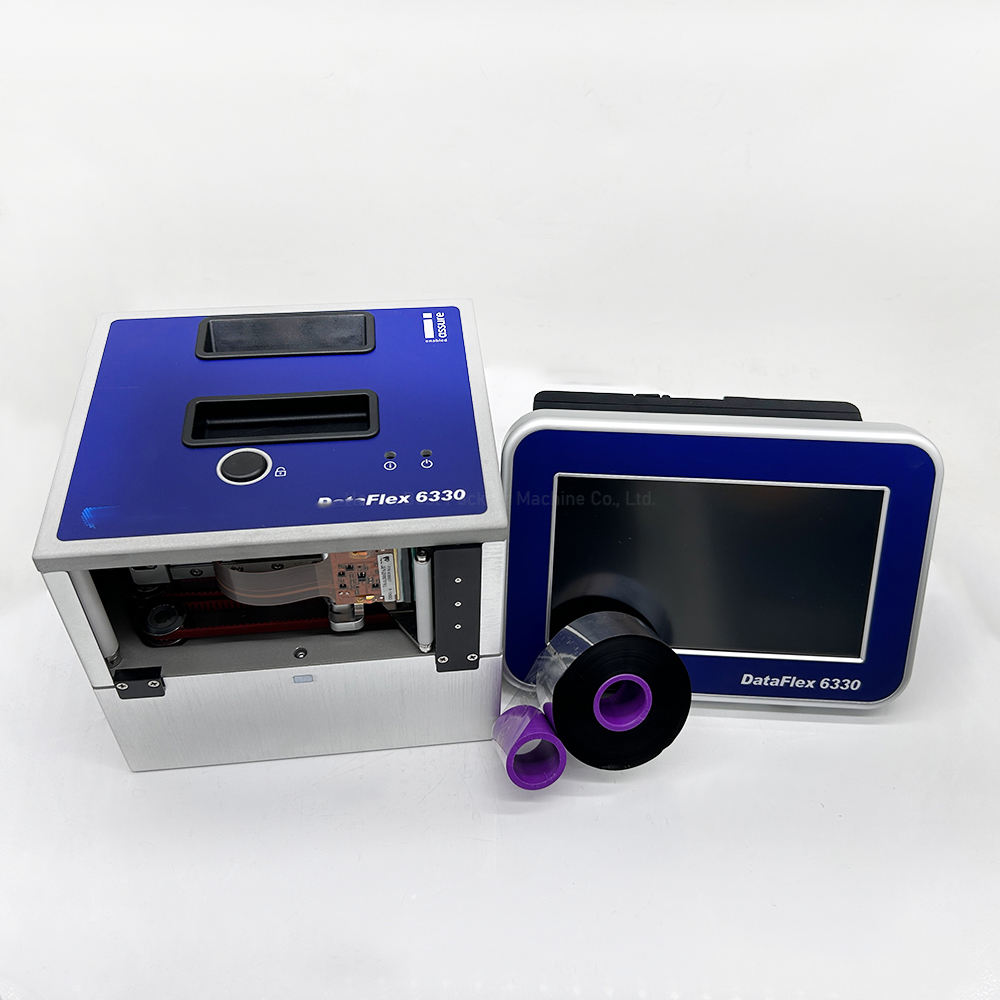
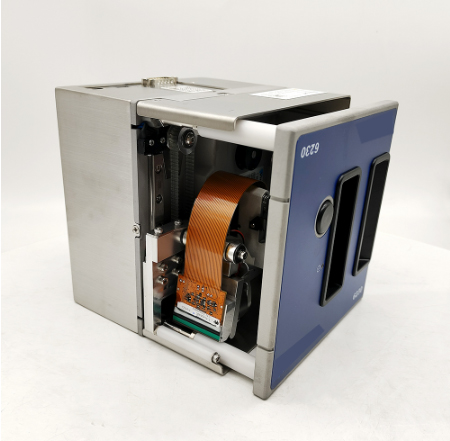
Industrial TTO Printers for Flexible Packaging
Description
High-Resolution Thermal Transfer Coding for Packaging Lines
A thermal transfer overprinter (TTO) is an industrial coding system designed to print variable information directly onto flexible packaging film. Using a heated printhead and thermal transfer ribbon, a TTO printer produces clear text, dates, batch numbers, barcodes, QR codes and graphics on compatible packaging materials.
BestProPack offers TTO coding solutions from Markem-Imaje and Videojet for manufacturers using flexible packaging equipment. These systems can be selected for different production speeds, print widths and coding requirements, helping businesses integrate reliable product identification into their packaging processes.
Whether you operate a vertical form fill seal (VFFS) machine, a flow wrapper or another compatible packaging line, the right TTO configuration can support accurate, legible coding as packaging film moves through production.

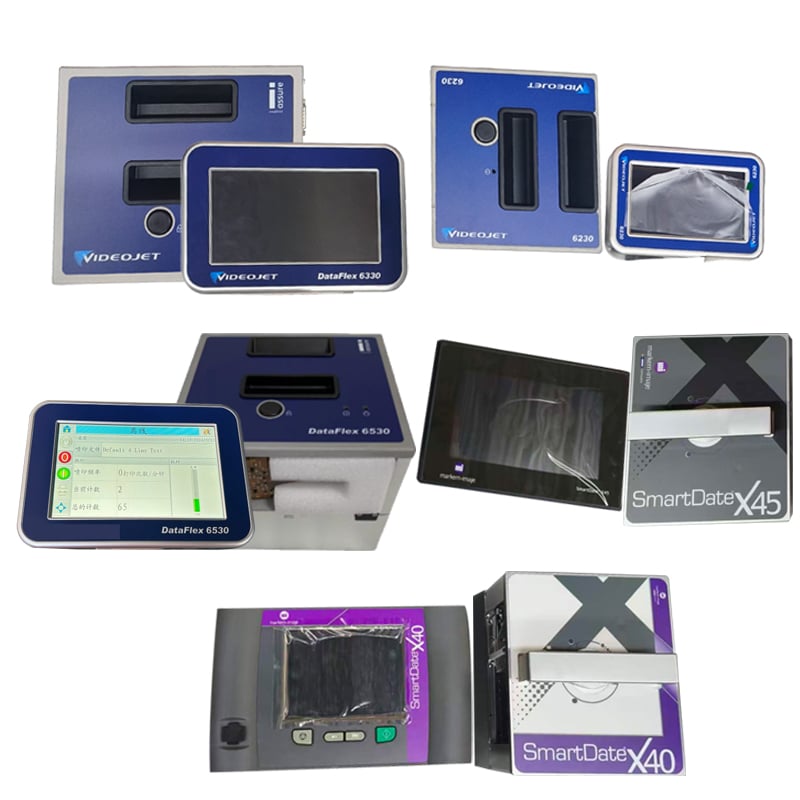
| Markem X40 | Medium-speed lines | 32/53 mm |
| Markem X45 | High-speed lines | 32/53 mm |
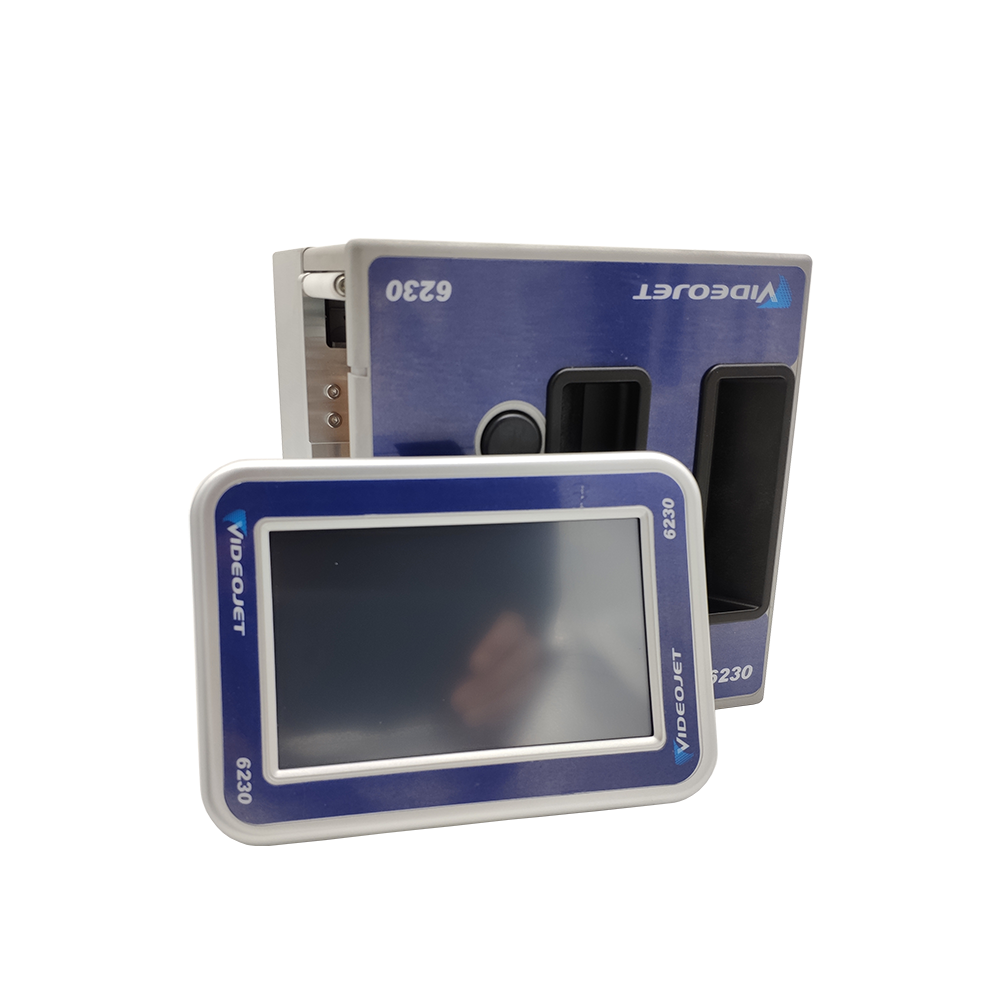
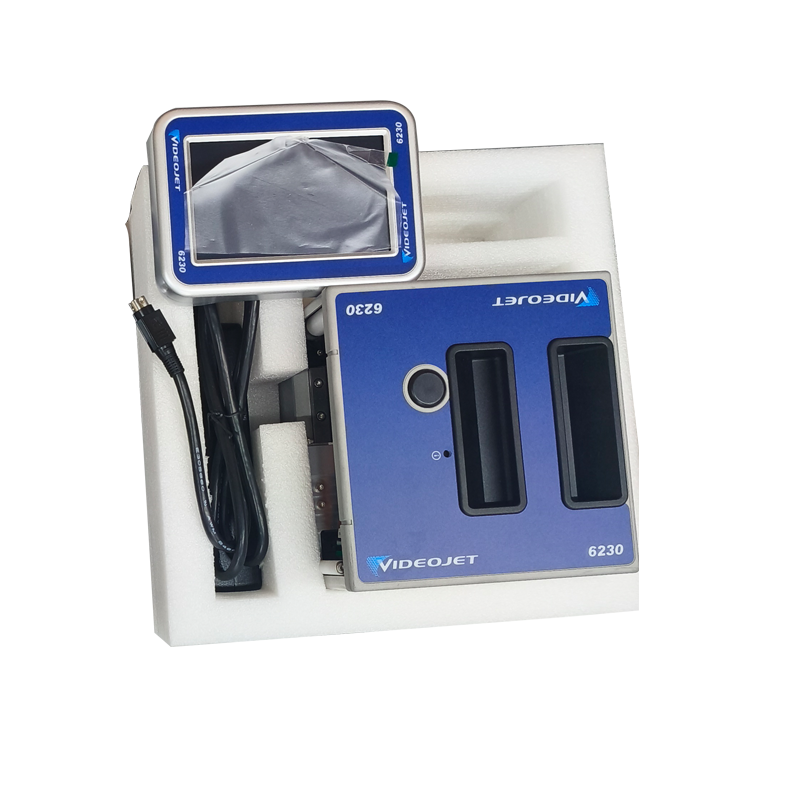
| Videojet 6230 | Small/medium production | 32/53 mm |
| Videojet 6330 | Mass production | 32/53 mm |
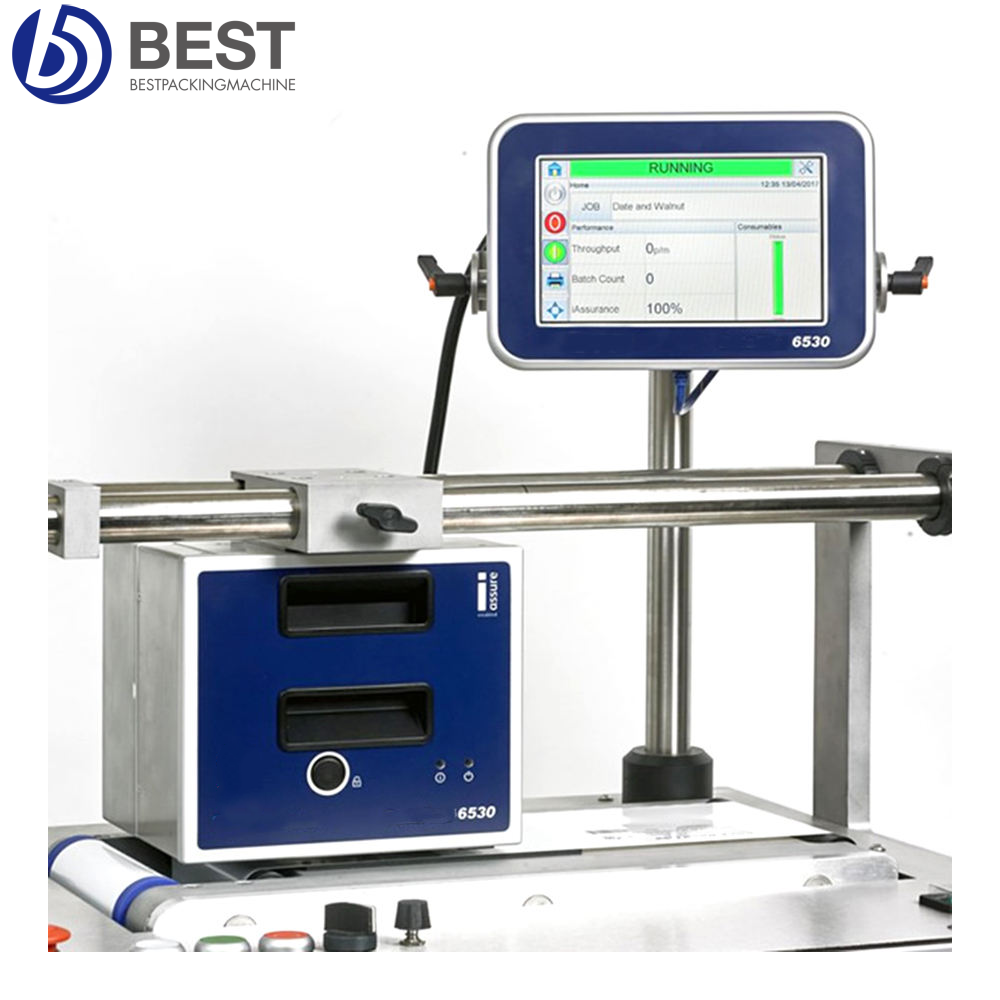
| Videojet 6530 | High-throughput lines | 53/107 mm |
What Can a TTO Printer Print?
A thermal transfer overprinter can print variable product and traceability information, including:
Production dates and expiry dates
Batch, lot and shift codes
Serial numbers and counters
Text and selected product information
Linear barcodes and 2D codes, where supported
Logos and graphics, subject to printer capabilities and print-area requirements
The print layout should be designed around the available print width, package dimensions, line speed and required code size. For codes used in product traceability, confirm print quality and scanning performance on the actual packaging film.
Why Use Thermal Transfer Overprinting on Flexible Packaging?
Clear, Durable Variable Coding
TTO technology transfers ribbon ink onto compatible packaging film through controlled heat and pressure. It can create high-resolution variable codes without using liquid ink. The final print quality depends on the printer, ribbon, film surface, print settings and operating conditions.
Designed for Packaging-Line Integration
TTO printers are commonly integrated with packaging machines that use roll film. Depending on the equipment and application, the printer may operate in intermittent or continuous mode. Correct synchronization with the packaging machine is important for positioning each code consistently.
Supports Changing Production Data
Packaging lines often need to update dates, lot numbers or other variable information between production runs. A suitable TTO system can print changing data without requiring the packaging artwork to be reprinted for every batch.
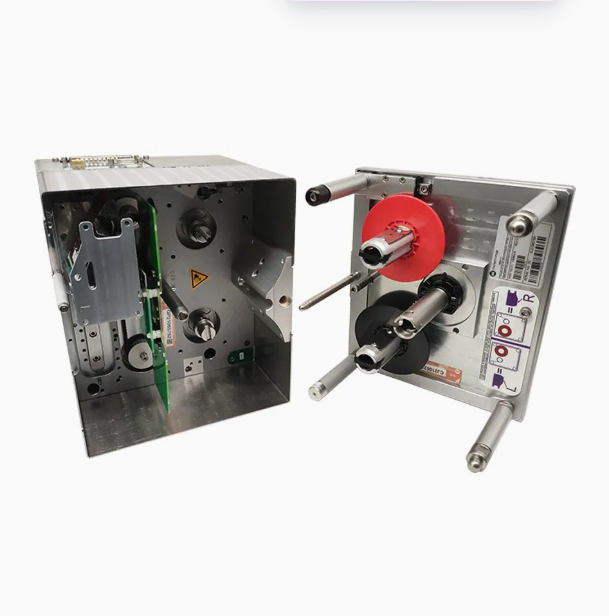
Ribbon-Based Printing
TTO systems use thermal transfer ribbons as a printing consumable. Ribbon selection should match the packaging material, required print durability and operating conditions. The appropriate ribbon width and length also depend on the printer model.
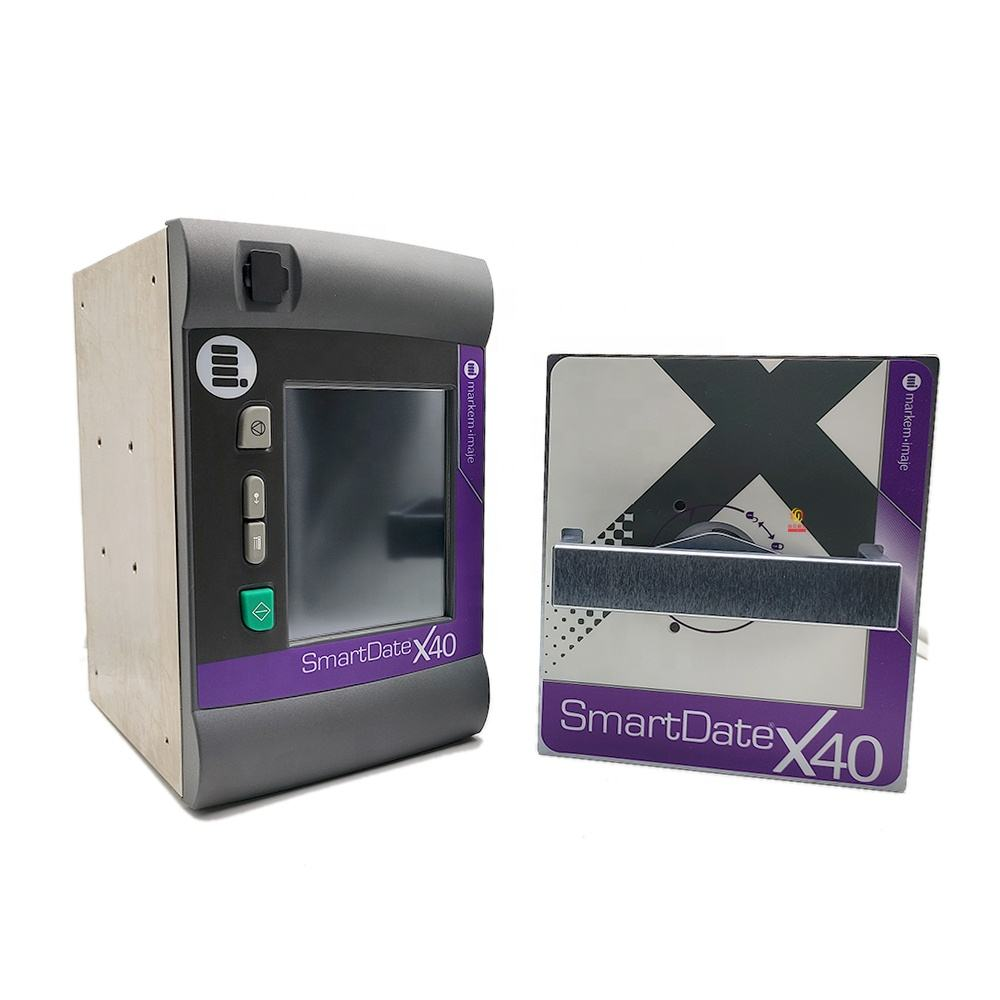
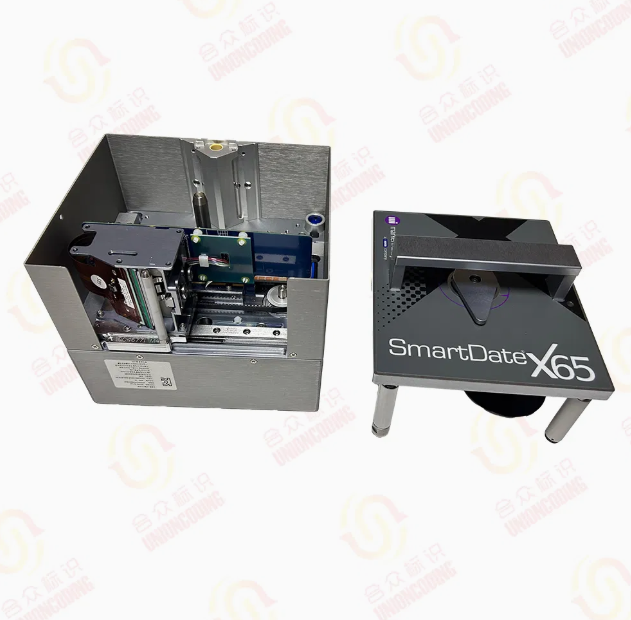
Markem Imaje Smart Date X40
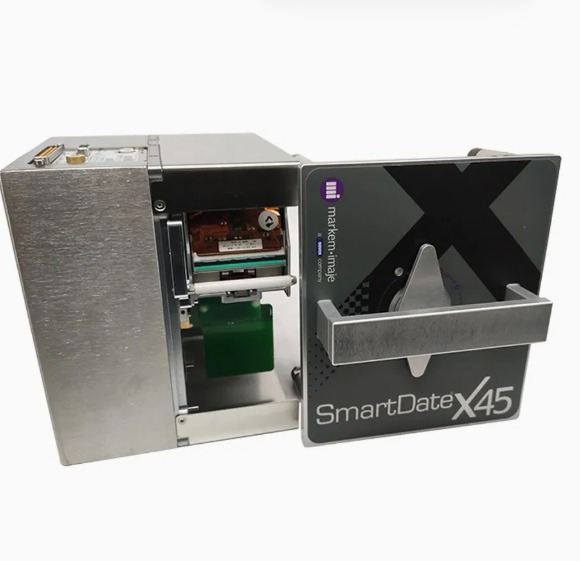
TTO Solutions for Different Production Requirements
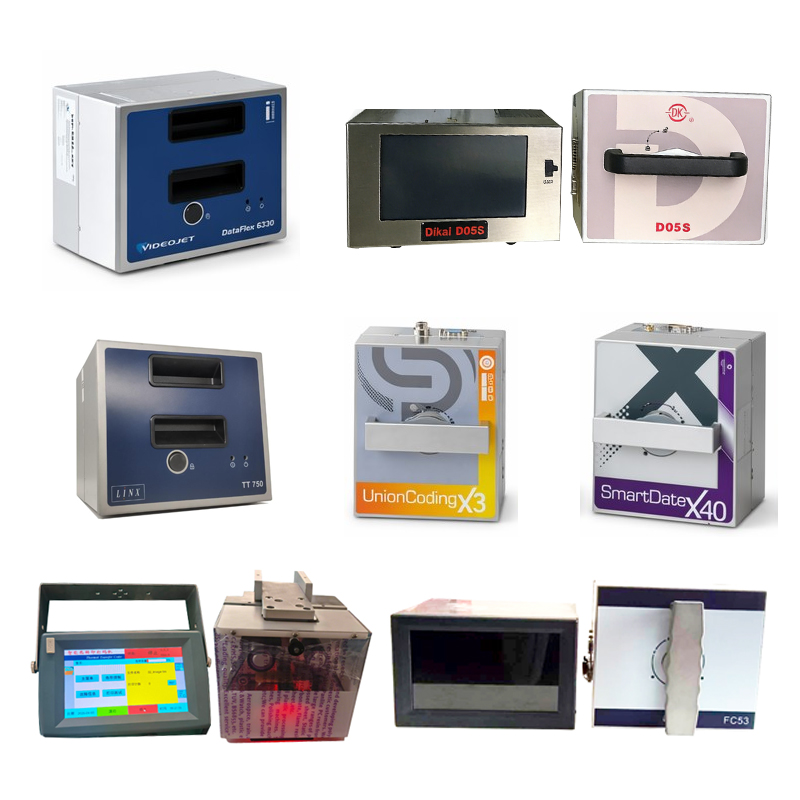
BestProPack supplies TTO options from Markem-Imaje and Videojet. The most suitable model depends on the required print width, packaging speed, print content, installation space and machine interface.
Markem-Imaje X40 and X45
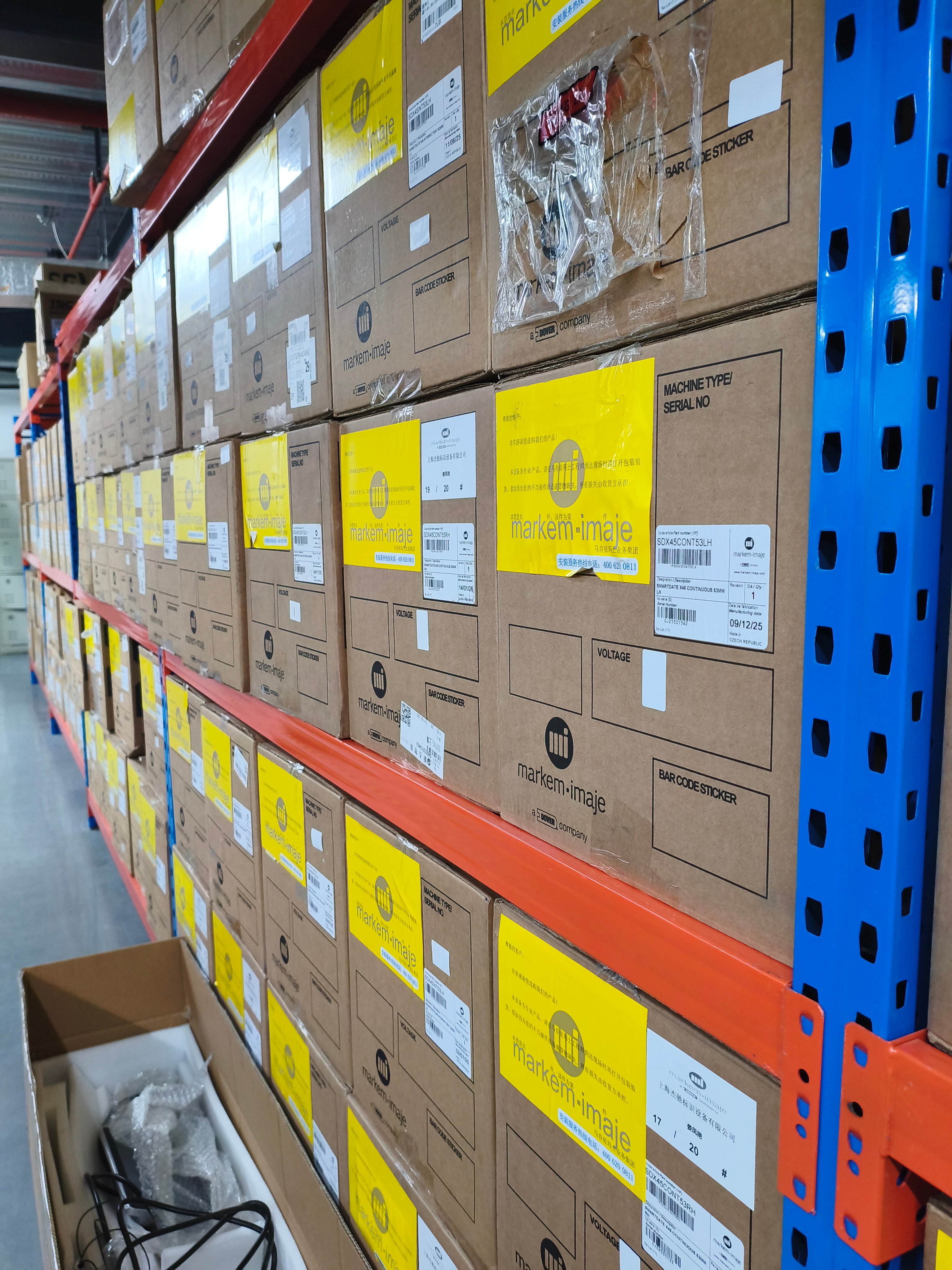
The Markem-Imaje X40 and X45 are options for manufacturers evaluating industrial TTO coding on flexible packaging. Select between models based on the line’s operating speed, required print area and system compatibility. Confirm the exact model specification and configuration before purchase.
Videojet 6230, 6330 and 6530
Videojet TTO models provide options for different packaging and coding requirements. The appropriate choice should be based on production throughput, print width, ribbon configuration and integration needs—not on model name alone.
Please contact us with your packaging machine model and production details so we can help identify a suitable printer.
How to Choose the Right TTO Printer
Before selecting a thermal transfer overprinter, review these application details:
Packaging machine: Identify whether you use a VFFS machine, flow wrapper, pouch machine or another packaging system.
Film material: Provide the packaging film type and, if possible, a sample for print testing.
Print content: Specify whether you need dates, batch codes, text, barcodes, QR codes or graphics.
Required print width: Estimate the width needed for the complete code layout.
Production speed: Share the normal and maximum packaging speed, including whether the line runs intermittently or continuously.
Installation and communication: Confirm available mounting space, machine signals and communication requirements.
Ribbon requirements: Consider ribbon width, length, ink type and expected consumption.
These details help determine a compatible printer and reduce the risk of choosing a system that does not fit the packaging process.
TTO Printer Integration with Packaging Equipment
A TTO printer is part of the packaging line, so successful installation requires more than selecting the printer itself. The printhead position must suit the film path, and the control system must receive the correct print trigger or motion signal.
For intermittent packaging, printing is coordinated with the machine’s stop-and-go movement. For continuous packaging, the printer must match the film’s movement and the required print placement. Integration details vary by printer and packaging machine.
Before commissioning, test print position, code readability, ribbon tracking and the interaction between the printer and packaging machine under representative production conditions.
Frequently Asked Questions
What is a thermal transfer overprinter?
A thermal transfer overprinter is a digital coding device that uses a heated printhead and ribbon to transfer ink onto compatible packaging materials. It is commonly used to print variable information on flexible packaging film.
Can a TTO printer print expiry dates and batch numbers?
Yes. TTO systems are commonly used for variable date and batch coding. Supported content and formatting depend on the selected printer and software.
Can TTO print barcodes and QR codes?
Many TTO configurations support linear barcodes and 2D codes. Confirm the printer’s software, print resolution, available print area and code-scanning requirements before selecting a model.
Can a TTO printer work with a VFFS machine?
It can be integrated with compatible VFFS equipment. The correct printer mode, mounting position and synchronization signals depend on the packaging machine and production process.
How do I choose between Markem-Imaje and Videojet models?
Compare the exact model specifications against your packaging speed, print width, required content, ribbon needs and integration conditions. Share these details with us to receive a model recommendation.