EN

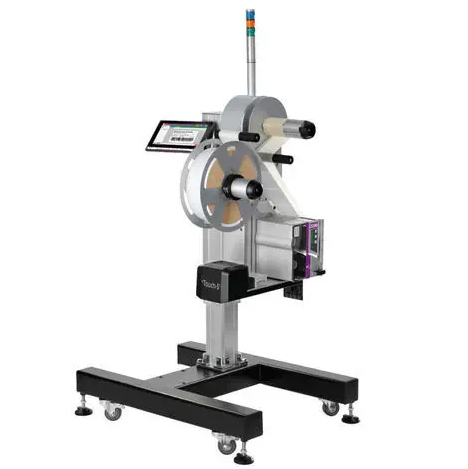
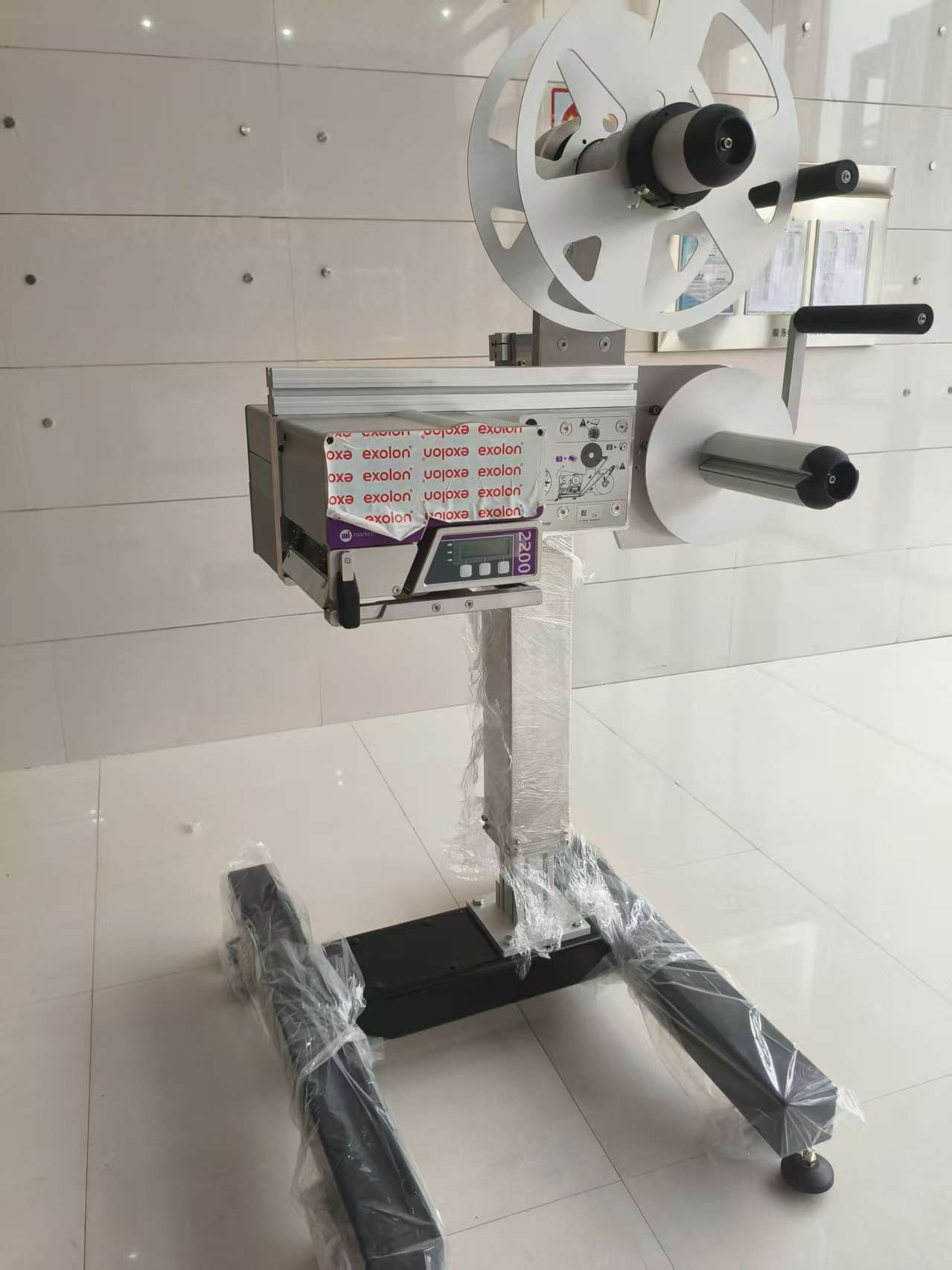
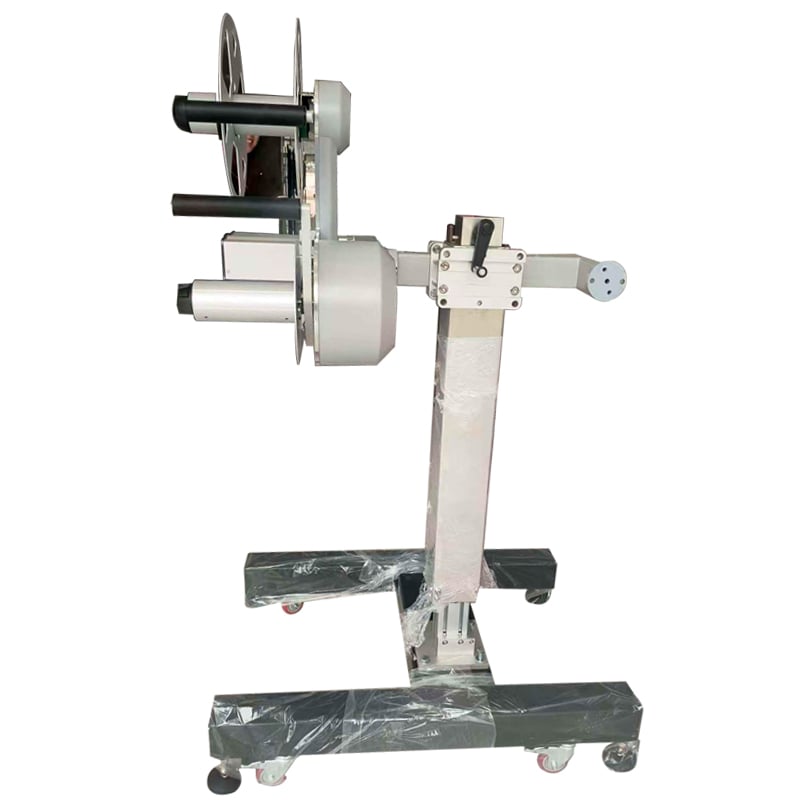
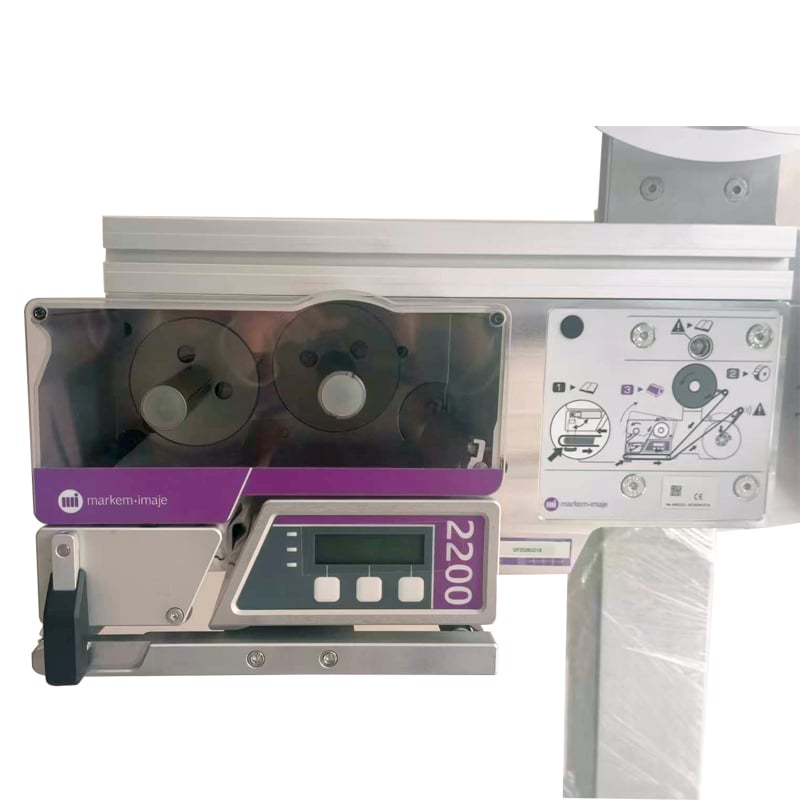
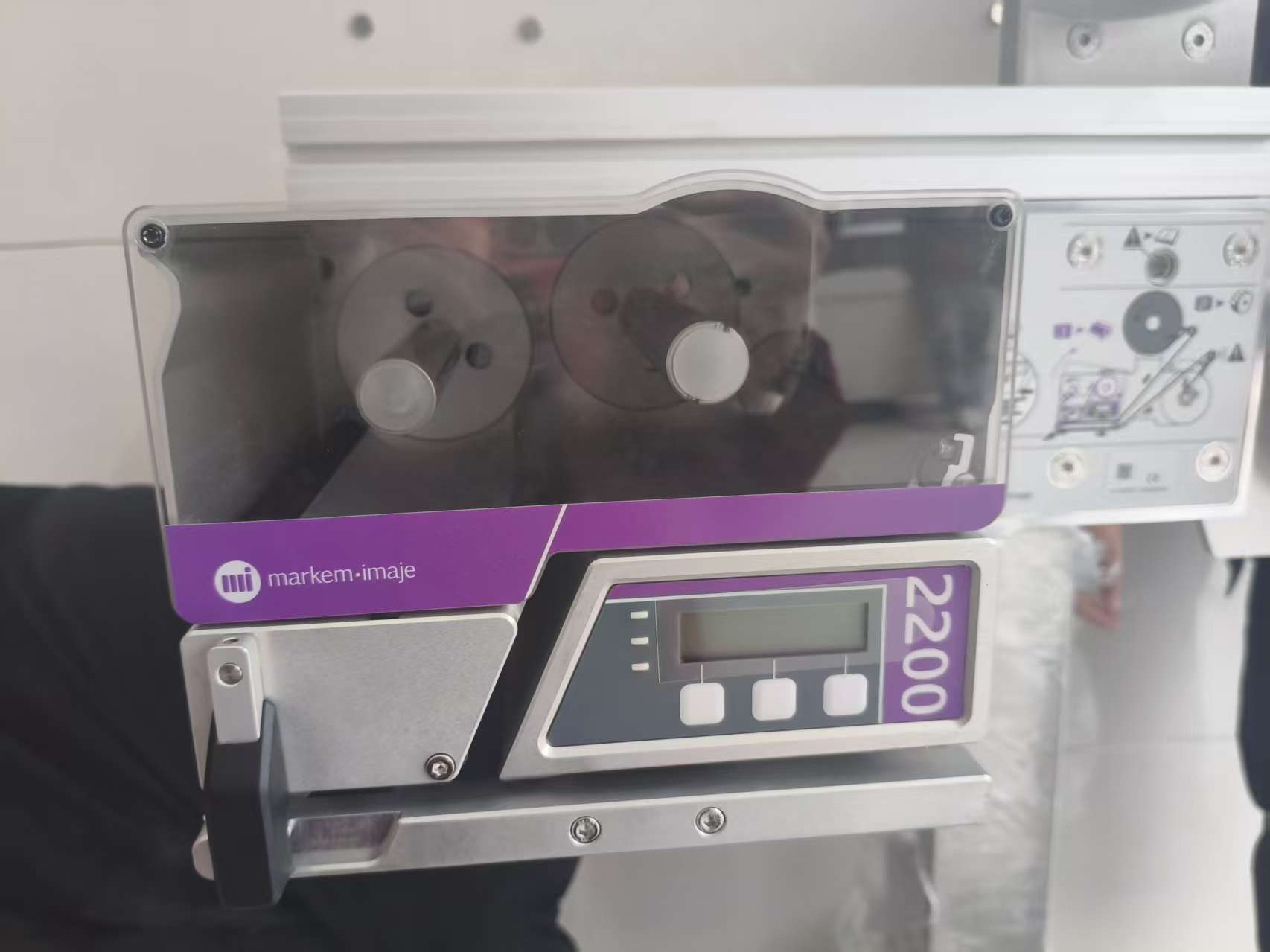
Markem-Imaje 2200 Automatic Print & Apply Labeler Thermal Transfer Case Labeling Machine
High Precision Industrial Labeling Equipment for Food, Pharmaceutical & Logistics Packaging Lines
Description

Markem-Imaje 2200
| Print Technology | Thermal Transfer / Direct Thermal | |
| Print Resolution | 200 dpi / 300 dpi | |
| Max Print Speed | Up to 300 mm/s (12 ips) | |
| Label Width |
|
|
| Applicator Types | Wipe, Tamp, Blow, or Palle | |
| Communication | Ethernet, RS-232, USB, I/O signals | |
| Air Consumption | 6 bar, clean dry air |
Key Features
Integrated Printing and Label Application
The system prints variable data onto pressure-sensitive labels and applies them to the target package. This integrated process can reduce the need for separate manual printing and labeling steps.
Variable Data and Barcode Printing
Depending on the printer configuration and software, labels can include text, product information, batch or lot numbers, and barcode data. This supports package identification and downstream logistics processes.
Automated Package Labeling
The 2200 system can be configured for suitable production-line labeling applications. The applicator, mounting arrangement and label placement should be selected according to the package and line requirements.
Production-Line Integration
The system is intended for industrial use and can be integrated into a packaging or manufacturing line. Confirm the required communication interfaces, data source and line-control arrangement for your installation.
Label Traceability
Printed identification labels can help support tracking through warehousing, distribution and supply-chain operations. Barcode readability and label-data accuracy should be validated for the intended application.
Barcode Printing and Supply-Chain Traceability
For logistics and distribution applications, printed labels can carry identification information used by warehouse and supply-chain systems. The 2200 Series supports major linear and 2D barcode formats, while GS1-compliant labeling can be configured for applicable requirements.
Barcode quality should be validated using the actual label stock, print settings, barcode format and scanning equipment. Where required, an optional barcode reader or verification process can help check code readability.
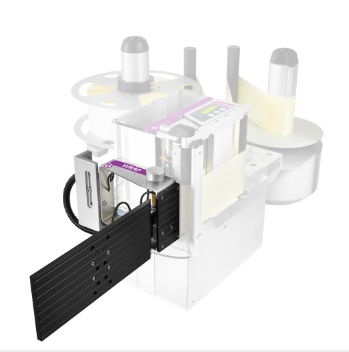
Applicator Options and Integration
Different applicator types are available across the 2200 Series to suit specific package and labeling conditions. Options may include front, side, top or adjacent-side application, depending on the model and applicator selected.
Before installation, assess:
Package dimensions and surface material
Required label position and orientation
Conveyor direction and package spacing
Production speed and trigger method
Available mounting space
Required printer, software and line-control connections
A configuration review helps ensure that the print-and-apply system matches the packaging line rather than relying on a general-purpose setup.
Typical Applications
The Markem-Imaje 2200 print and apply labeling system may be used for:
Carton and case identification
Shipping and logistics labels
Product and batch identification
Barcode labeling for warehouse operations
Packaging-line labeling
For pallet labeling or multi-side labeling, verify that the selected 2200 model and applicator are specifically configured for that application.
How the Print and Apply Process Works
The labeling system receives the label data from the configured data source.
The printer produces the required variable information on the label.
The applicator transfers the printed label to the designated package surface.
The labeled package continues along the production or logistics line.
The exact sequence, label placement and operating speed depend on the system configuration and production-line conditions.
Benefits for Packaging Operations
Automates label printing and application
Supports variable product and logistics information
Helps improve label consistency across production runs
Can support barcode-based package identification
Offers configurable application options for suitable industrial lines
Actual performance depends on the selected model, label format, package surface, applicator setup and production-line conditions.
Frequently Asked Questions
What does a print and apply labeling system do?
A print and apply system prints variable information onto a label and automatically applies it to a product, carton or other target surface.
Can the Markem-Imaje 2200 print barcodes?
Barcode printing depends on the installed printer configuration and label software. Confirm the required barcode format and verify print quality and scanner readability before use.
Is the 2200 suitable for pallet labeling?
Some 2200-series configurations are designed for pallet identification. Confirm that the offered model and applicator support the required pallet label placement and application method.
How do I choose the right configuration?
Provide your package dimensions, labeling position, required label size, line speed, barcode requirements and production-line layout. These details help determine whether the selected 2200 configuration is suitable.