EN

News
S4 Inkjet Printer: Three Things That Make It Different
In modern manufacturing, clear product identification is essential for packaging, traceability and quality control. A reliable coding system needs to do more than print production dates and batch numbers. It should also be easy to operate, maintain stable printing performance and reduce unnecessary downtime.
The S4 CIJ Inkjet Printer is designed for indus
trial product coding applications. It combines a 10-inch color touchscreen, automatic ink viscosity management and convenient shutdown functions to simplify daily operation.
Here are three key features that make the S4 Continuous Inkjet (CIJ) Printer different.
1. A 10-Inch Touchscreen for Easier Operation
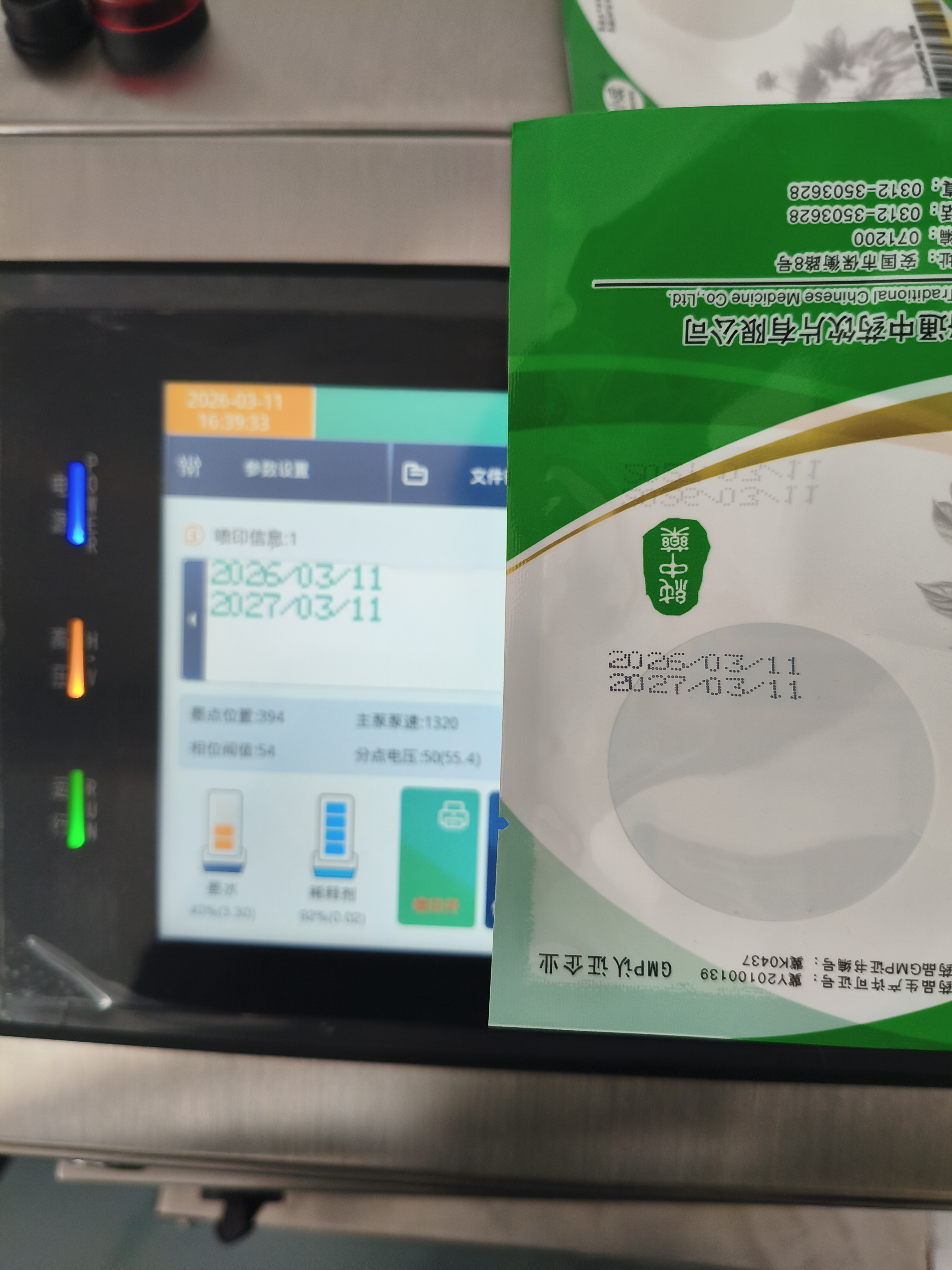
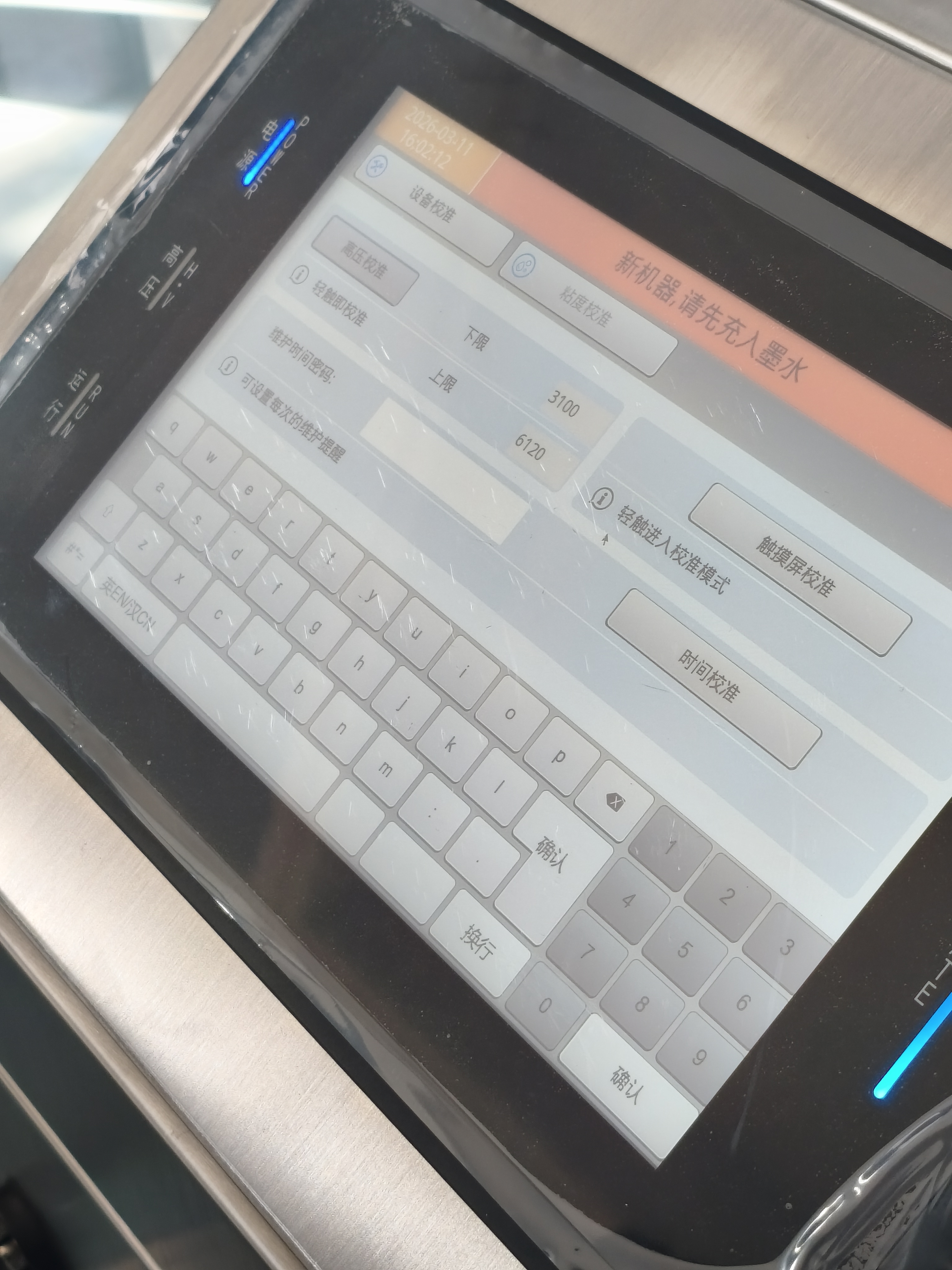
One of the main features of the S4 CIJ inkjet printer is its 10-inch color touchscreen.
Unlike coding machines that rely on small displays and complicated menu structures, the S4 provides a larger interface for managing print jobs and machine settings. Operators can create and save different product files with recognizable names, making it easier to switch between production tasks.
For example, a factory producing several bottle sizes or product types can save separate printing files for different applications. When production changes, the operator can select the required file instead of entering all the printing information again.
This helps simplify daily operation and reduces the possibility of selecting incorrect coding settings.
The touchscreen interface is particularly useful for production environments where multiple products, batch numbers or date formats need to be managed throughout the day.
Key benefits include:
10-inch color touchscreen
Named print job storage
Convenient switching between saved products
Easy access to machine settings
Clear display of operating information
2. Automatic Ink Management for Stable Printing
Ink system performance is important for continuous inkjet printing. Changes in ink viscosity can affect the stability and consistency of the printing process.
The S4 CIJ printer uses a gear pump design and automatic viscosity monitoring to help maintain stable ink system operation.
Instead of adding solvent according to a fixed time interval, the system monitors ink viscosity and adds solvent when required. This helps manage ink conditions according to actual operating needs.
Important operating information, including ink level, solvent level, pump speed and temperature, is displayed on the main screen. Operators can check the machine status more conveniently and identify when consumables or maintenance may be required.
For factories that operate coding equipment for extended periods, clear monitoring information can help simplify routine machine management.
Key features include:
Gear pump ink circulation design
Automatic ink viscosity monitoring
Automatic solvent addition when required
Ink and solvent level display
Pump speed and temperature monitoring
These functions are designed to support consistent operation. Actual printing performance still depends on ink selection, substrate conditions, machine maintenance and production environment.
3. Convenient Shutdown and Long-Stop Functions
Proper shutdown is an important part of maintaining a continuous inkjet printer.
The S4 provides a cleaning shutdown function that helps purge the ink circuit when production ends. For longer periods without operation, a long-stop mode is also available.
These functions help simplify the shutdown process and support ink system maintenance.
Operators should still follow the recommended maintenance procedure. For example, the nozzle and electrodes need to be wiped with suitable solvent by hand when required. Automatic shutdown does not eliminate all manual cleaning and maintenance.
For production facilities that operate different shifts or have scheduled production breaks, convenient shutdown functions can make daily machine management easier.
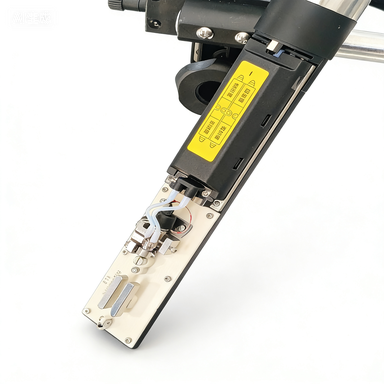
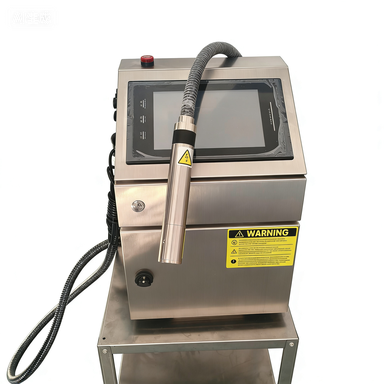
S4 CIJ Inkjet Printer Technical Specifications
The S4 is designed for a range of industrial product coding and marking applications.
Main specifications:
Printer type: Continuous Inkjet (CIJ) Printer
Display: 10-inch color touchscreen
Printing lines: 1 to 5 lines
Character height: 1.8–15mm
Applicable materials: Metal, plastic, glass, paper and cable
Machine weight: Approximately 25kg
Power supply: 85–265V
Power consumption: Approximately 50W
Ink management: Automatic viscosity monitoring
Shutdown functions: Cleaning shutdown and long-stop mode
The actual printing result depends on the selected ink, product surface, printing distance and production conditions. Please confirm the required configuration before purchasing.
Applications of the S4 Continuous Inkjet Printer
The S4 CIJ inkjet printer can be used for non-contact coding on compatible product surfaces. It is suitable for manufacturers that need to print variable information during production.
Typical applications include:
Food and Beverage Industry
Print production dates, expiry dates, batch numbers and other product information on compatible bottles, containers and packaging materials.
Pharmaceutical and Healthcare Products
Apply product identification information and batch codes to suitable packaging and product surfaces. Printing requirements should be checked against the applicable industry regulations.
Plastic and Metal Products
Print identification codes and production information on compatible plastic and metal components.
Glass Bottles and Containers
Apply product information to suitable glass surfaces used in beverage, food and other manufacturing applications.
Cable and Wire Manufacturing
Print identification information and other required markings on compatible cable and wire surfaces.
The ink type and machine configuration should be selected according to the specific substrate and production environment.
How to Select the Right Inkjet Coding Machine
Before choosing a CIJ inkjet printer, consider the following points:
Printing content: Confirm whether you need dates, batch numbers, serial numbers, text or other variable information.
Product material: Identify whether the printing surface is plastic, metal, glass, paper or cable.
Production speed: Check the speed of your production line and the required printing frequency.
Installation space: Confirm the available space around the conveyor and the required mounting position.
Ink requirements: Select a suitable ink according to the substrate, drying time and operating environment.
Maintenance requirements: Understand the recommended cleaning and shutdown procedures.
Providing these details helps determine whether the S4 CIJ inkjet printer is suitable for your production application.